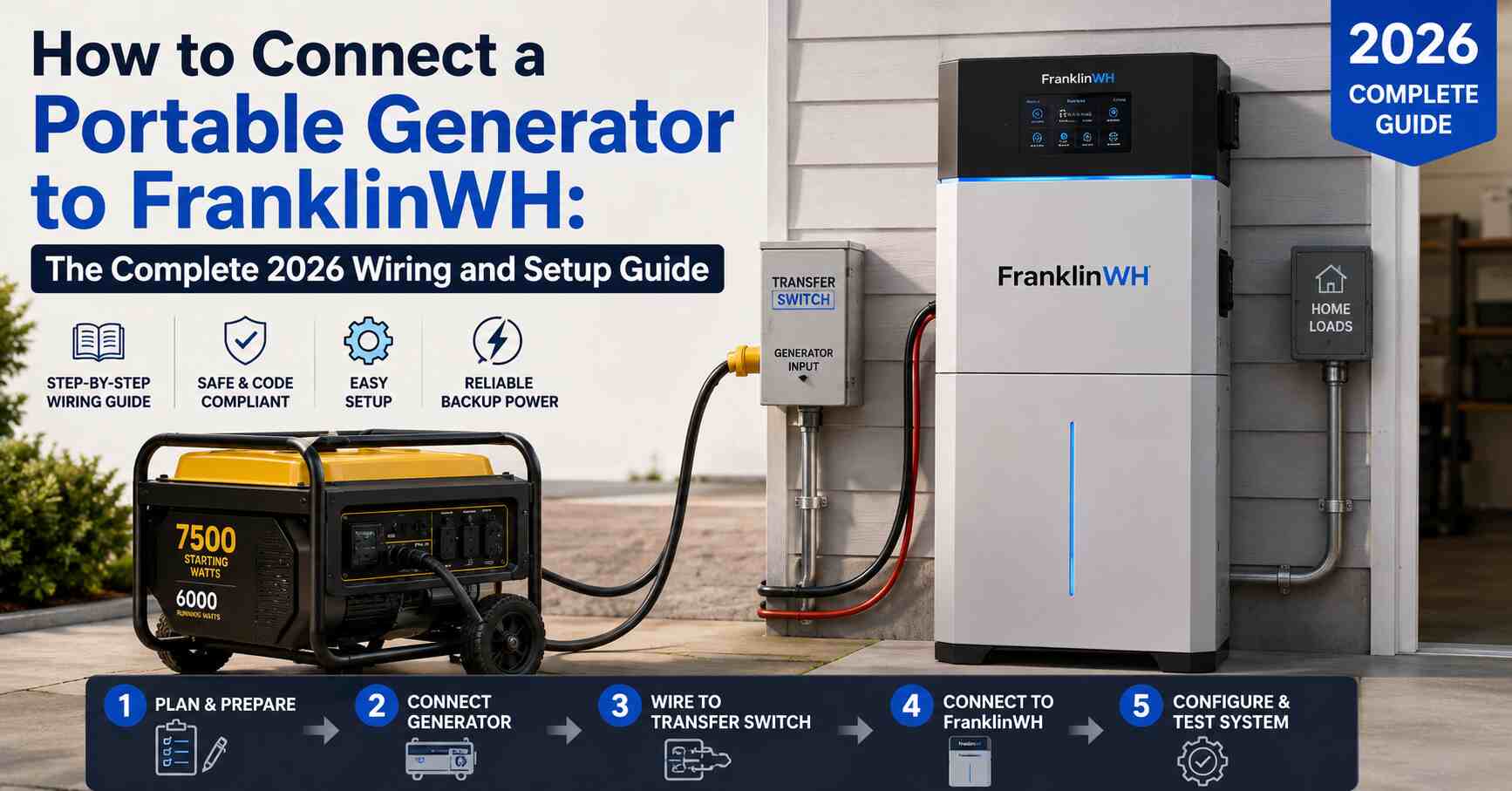
If you already own a FranklinWH Home Power System, you know it does a great job keeping the lights on during short outages using solar and battery power alone. But what happens when a storm knocks out the grid for three or four days in a row and your aPower batteries start running low? That is exactly when a portable generator becomes essential, and connecting one to FranklinWH the right way is what separates a smooth backup experience from a frustrating one.
This guide walks through everything you need to know to connect a portable generator to FranklinWH, from choosing the right generator size to wiring the Generator Module, setting up the FranklinWH App, and avoiding the mistakes that trip up even experienced installers. We pulled information from FranklinWH’s own technical documentation, real installer notes, and feedback from FranklinWH owners on Reddit and solar forums, so you get a fuller picture than the manufacturer’s PDF alone provides.
Why Connect a Portable Generator to Your FranklinWH System
A FranklinWH system stores solar energy in aPower battery units and manages it through the aGate smart hub. During a blackout, the aGate automatically shifts your home to battery and solar power. The problem is that batteries are finite. If bad weather keeps your panels from producing and the outage stretches beyond a day or two, your state of charge (SOC) will eventually drop.
A portable generator connected through the FranklinWH Generator Module solves this by:
- Recharging your aPower batteries directly, rather than just running your appliances
- Extending backup power indefinitely as long as you have fuel
- Giving you a lower cost alternative to a full standby generator
- Letting the aGate manage power flow so the generator is not overloaded by every appliance in the house turning on at once
One Reddit user in the r/FranklinWH community summed up the appeal well, describing how after a storm near Houston knocked out power for days, getting the generator connection finished became the top priority because the battery alone was not going to last through an extended outage.
FranklinWH Generator Module: What It Is and Why You Need It
Before you can connect any generator, portable or standby, to your FranklinWH system, you need the FranklinWH Generator Module (SKU ACCY-GENV1-US) installed inside the aGate. This module is what allows the aGate to sense generator status, manage current, and either automatically or manually bring generator power into the home.
| Specification | Detail |
|---|---|
| SKU | ACCY-GENV1-US |
| Dimensions (W x H x D) | 11.2 x 4.1 x 2.6 inches |
| Weight | 3.2 lbs |
| Max Continuous Current | 160A |
| Max Over Current Protection | 200A |
| AC Voltage | 120V/240V split phase |
| Voltage Range | 204 to 276V @ 240V |
| Frequency Range | 60 Hz ± 5 Hz |
| Included Accessories | 2 Current Transformers (CTs) |
Without this module properly installed and the CTs wired, the aGate has no way to see or control generator input, which is a common install gap. Several Reddit posts from FranklinWH owners describe having the generator kit physically installed but the CTs left unconnected by their installer, meaning the system technically had the hardware but was not actually generator ready.
Step by Step: How to Connect a Portable Generator to FranklinWH
Step 1: Confirm Your Generator Meets FranklinWH Requirements
The FranklinWH Generator Module works with most 240V, 60Hz output generators regardless of brand, but there are hard requirements.
- Your generator must output 240V split phase power, not just 120V. FranklinWH does not support 120V only generator input.
- Portable generators with an inverter or automatic voltage regulator (AVR) integrate more reliably because they produce cleaner, more stable power.
- A basic non-inverter portable generator can work, but you may see more power quality issues and less consistent charging performance.
Step 2: Size Your Generator Correctly
Undersizing is one of the most common mistakes homeowners make. FranklinWH’s own sizing rule of thumb is straightforward, but it is worth restating clearly because it directly affects whether your generator can power your home and recharge batteries at the same time.
| aPower X Units Installed | Recommended Generator Output | Minimum Acceptable Output (low load homes) |
|---|---|---|
| 1 aPower X | 10 kW | 7.5 kW |
| 2 aPower X | 20 kW | 15 kW |
| 3 aPower X | 30 kW | 22.5 kW |
| 4 aPower X | 40 kW | 30 kW |
Each aPower X charges at a rate of 5 kW, so a generator that is too small will struggle to power your home loads and charge the batteries simultaneously. If your home has modest load demands, you can go as low as 7.5 kW per aPower X, but oversizing is always the safer bet, especially in regions with frequent multi-day outages.
Portable generators between 7,500 and 12,000 running watts are the most common choice for single aPower X households, while larger installations often lean toward dual fuel or towable units in the 15,000 to 20,000 watt range.
Step 3: Install a Power Inlet Box
Because portable generators cannot be hardwired into your electrical panel directly, you need a properly sized power inlet box installed outside your home. This is the physical connection point where you will plug in your generator’s extension cord during an outage. Make sure the inlet box amperage rating matches your generator’s output and your home’s wiring, and have a licensed electrician handle this installation if you are not comfortable doing it yourself.
Step 4: Wire the Generator Module
FranklinWH offers three ways to bring generator power into the aGate. Understanding the differences helps you or your installer choose the right method for a portable generator setup.
| Method | Best For | Smart Circuits Module Required | Notes |
|---|---|---|---|
| 2-Wire Dry Contact | Most portable generator setups | No | Simplest wiring, most flexible, recommended by FranklinWH |
| Utility Voltage Sensing | Some standby generators | Yes (pre aGate 1.3) | Requires generator dealer configuration |
| Existing ATS Retrofit | Homes with an existing standby generator ATS | Yes (pre aGate 1.3) | Load panel gets relocated downstream of aGate backup bus |
For a portable generator, the 2-wire dry contact method is almost always the right choice. It requires the least onsite labor and leaves your Smart Circuits Module fully available for load shedding on heavy appliances like your HVAC or water heater.
Because portable generators lack a built in automatic start and stop mechanism, they must be manually connected to the external power inlet wired into the FranklinWH Generator Module. This is a key difference from standby generators, which the aGate can start and stop automatically based on battery SOC thresholds.
Step 5: Commission the Generator Module in the FranklinWH App
Once wiring is complete, open the FranklinWH App and commission the Generator Module:
- Scan the QR code on the Generator Module, or manually enter the serial number.
- Enter the generator’s nameplate information, which you can find printed on the generator itself or in its owner’s manual.
- Set your generator’s operating schedule and SOC start and stop thresholds if applicable.
- For a portable generator, remember that you will need to manually start it and then trigger the connection through the app, since there is no automatic start relay involved.
Step 6: Test the System Before You Need It
Do not wait for an actual outage to find out if your setup works. Start the generator, connect it to the inlet box, and confirm through the FranklinWH App that the system recognizes generator input, powers your home loads, and begins charging the aPower batteries. Turning off as many non-essential loads as possible before starting the generator is recommended, especially the first time you test the connection.
Common Mistakes When Connecting a Portable Generator to FranklinWH
Based on documented installer guidance and real owner experiences, these are the mistakes that cause the most headaches:
- Skipping the CT installation. The Generator Module ships with 2 CTs that must be properly wired for the aGate to read generator current. Some installers leave this step incomplete.
- Undersizing the generator. A generator that cannot handle both home loads and battery charging will underperform or trip protection.
- Assuming automatic start works with portable units. Only standby generators support automatic start and stop through SOC thresholds. Portable generators require manual connection and manual app control every time.
- Skipping the generator dealer prep step. Some generator manufacturers require a certified dealer to prep the unit for 2-wire start without voiding the warranty. Always confirm this with your generator’s manufacturer before modifying anything.
- Not testing before an emergency. Waiting until a storm hits to discover a wiring issue is the single most avoidable mistake homeowners make.
What FranklinWH Owners Are Actually Saying
Manufacturer documentation tends to focus on the ideal scenario, but real feedback from the r/FranklinWH community adds useful context. Several owners have discussed working through generator input questions directly with the community, including clarifying that any portable generator with a 240V output can connect to the FHP system, that FranklinWH does not support 120V only output, and that during an outage the system prioritizes PV production before drawing on generator or battery power, with the option to adjust that priority through the app.
Other threads in the same community focus on general system reliability, including reports of firmware quirks and support response times, which is a fair reminder that pairing solid wiring with realistic expectations about app based controls will get you the smoothest experience.
FranklinWH Generator Integration FAQ
Can a portable generator automatically start with FranklinWH? No. Only standby generators support automatic start and stop based on aPower state of charge. Portable generators must be manually connected and manually controlled through the FranklinWH App.
Does the FranklinWH Generator Module work with any generator brand? Yes, it works with most 240V, 60Hz output generators regardless of brand or model, as long as sizing and voltage requirements are met.
What happens during an Emergency Power Off (EPO) event? Once an EPO is activated, the aGate disconnects all relays, including the generator relay, immediately cutting generator power along with everything else.
Does the generator charge the battery or power the home first? During generator operation, the aGate directs generator output to home loads first. Any surplus power beyond home load demand is then used to charge the aPower batteries.
Can I connect other power sources like a small wind turbine or an EV’s 240V output? FranklinWH recommends contacting their engineering team directly for guidance on non-standard power sources beyond traditional generators.
Final Thoughts on Connecting a Portable Generator to FranklinWH
Connecting a portable generator to your FranklinWH system is one of the most valuable upgrades you can make if you live somewhere prone to extended outages. The process comes down to four things done correctly: sizing your generator properly, installing the Generator Module with both CTs wired, choosing the 2-wire dry contact method for the simplest and most flexible setup, and testing the entire system before you actually need it.
Skipping any one of these steps is usually what turns a helpful backup plan into a frustrating troubleshooting session during a blackout, so take the time to get it right the first time, ideally with the help of a certified installer familiar with both FranklinWH and your specific generator brand.
Ready to Add Generator Backup to Your FranklinWH System?
If you are planning a new FranklinWH installation or adding a Generator Module to an existing system, talk to a certified FranklinWH installer about proper sizing and wiring for your home before you buy a generator. Reach out to a local installer today to get a personalized generator integration plan and make sure your next outage does not catch you unprepared.